BISP Error Code 10: SPW Wallet Not Found Fix 2026
Update, 10 November 2026: Error Code 10, shown as SPW Wallet Not Found, appears when the BISP payment system cannot find the wallet account of a beneficiary. The fix depends on your registration status. First check your status on 8171, then complete the bank verification steps explained below.
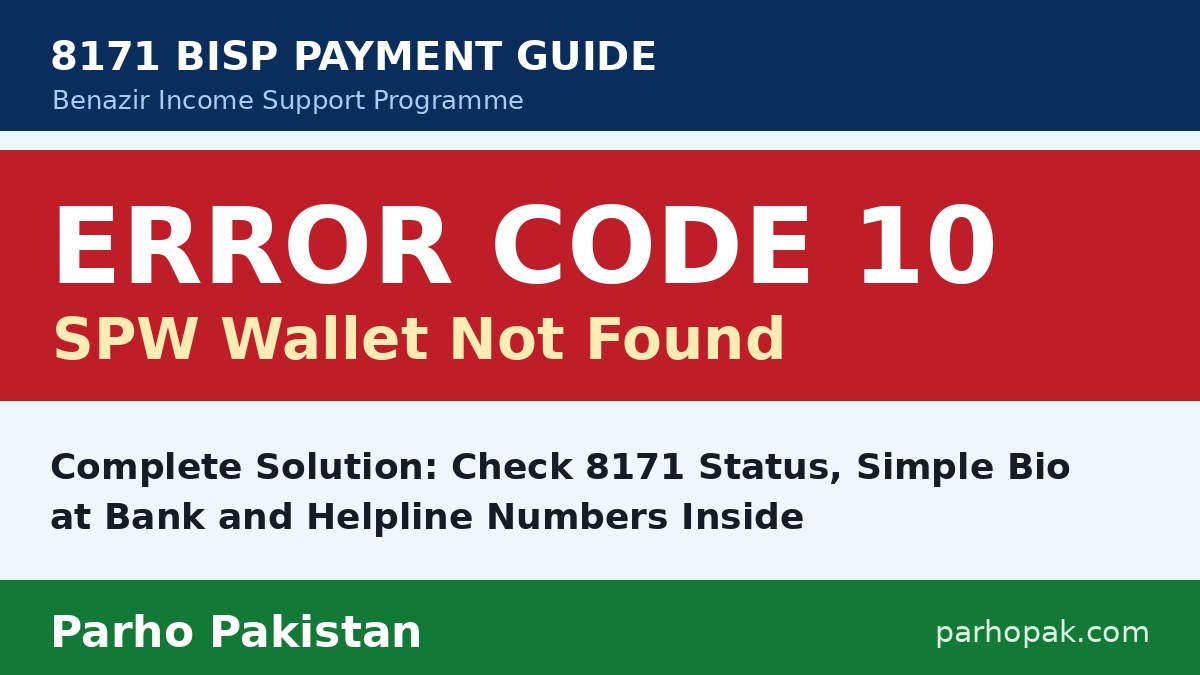
BISP Error Code 10 is the message many beneficiaries now see when their Benazir Income Support Programme payment is processed. The full message reads SPW Wallet Not Found. It means the system cannot find your Social Protection Wallet account, so the installment cannot be sent until the wallet problem is fixed.
There is no need to panic. This is a known payment error, and it can be resolved by following the correct steps in the right order. This guide explains what the error means, why it appears, and exactly what you should do.
Key Takeaways
- Error Code 10 means the payment system cannot find your SPW wallet account.
- First check your status by SMS to 8171 or on the portal 8171.bisp.gov.pk.
- If you are registered under the dynamic survey, visit your partner bank and complete Simple Bio verification with your original CNIC.
- Bank Alfalah’s BISP helpline is 021-111-427-111, and the BISP helpline is 0800-26477.
What Is BISP Error Code 10 (SPW Wallet Not Found)?
BISP now sends payments through wallet accounts that are created for beneficiaries under the Social Protection Wallet system. When a payment is processed, the system first searches for the wallet account linked with your CNIC.
If no wallet account is found, the payment stops and Error Code 10 appears with the message SPW Wallet Not Found. The money is not lost. It simply cannot move forward until a wallet account is available in the system against your record.
Why Does the SPW Wallet Not Found Error Appear?
This error can appear for a few common reasons:
- Your wallet account has not been opened yet in the payment system.
- The account opening process was started but not completed.
- Your biometric verification is still pending at the bank.
- Your registration record needs to be checked under the dynamic survey.
Because the reason is different for different people, always check your current status first. The status tells you which step applies to you.
How to Fix BISP Error Code 10
Follow these three steps in order. Most beneficiaries resolve the error with the first two steps.
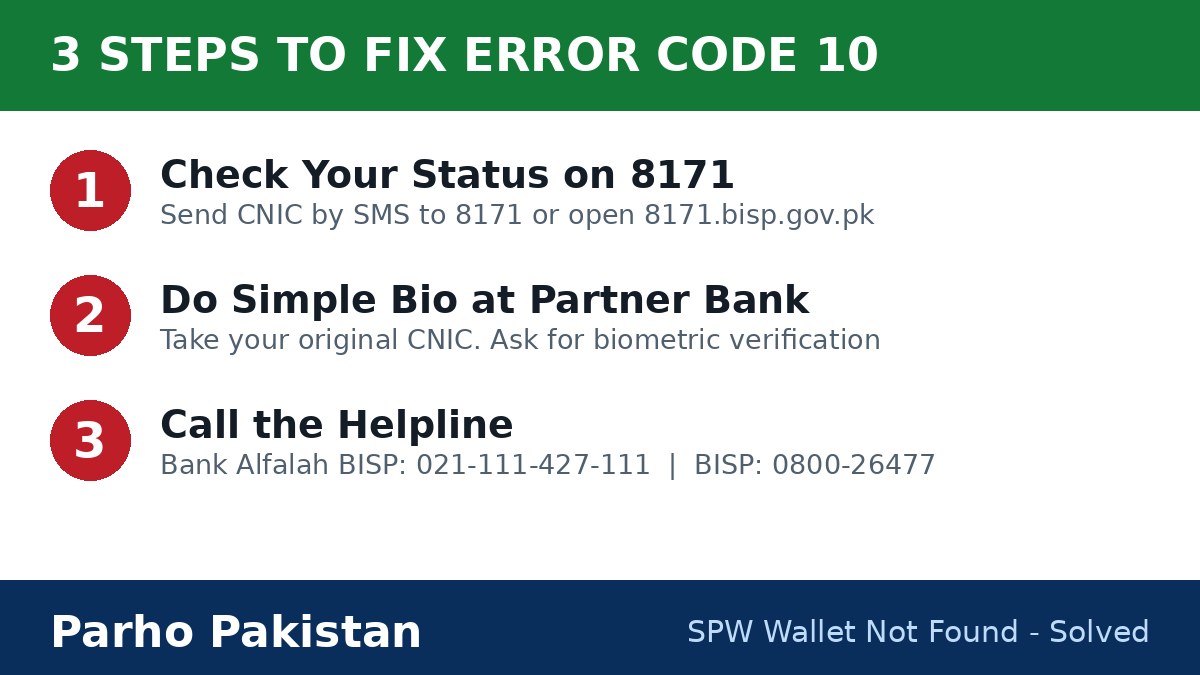
Step 1: Check Your Status Through 8171
Send your CNIC number by SMS to 8171. You can also open the official portal 8171.bisp.gov.pk and enter your CNIC with the code shown on the screen.
Note down what the status says about your registration. Check whether you are registered under the dynamic survey and whether your wallet is shown active. This information decides your next step.
Step 2: Complete Simple Bio Verification at the Bank
If you are registered under the dynamic survey, visit your partner bank and ask for Simple Bio. This is a simple biometric verification for BISP wallet accounts.
Tell the staff clearly that you receive Error Code 10, SPW Wallet Not Found, when your payment is processed. Take your original CNIC with you. The bank staff will complete your verification and guide you about opening or activating your wallet account.
Step 3: Call the Helpline if the Error Continues
If the error still appears after the status check and the bank visit, call for help. If your payment bank is Bank Alfalah, call its BISP helpline 021-111-427-111. For all other cases, call the BISP helpline 0800-26477, which is toll free.
Explain that Error Code 10 appears on your payment and your wallet account is not found in the system. Ask the representative to check your wallet status and guide you about the remaining process.
Quick Solution Table
| Your Situation | What You Should Do |
|---|---|
| SPW Wallet Not Found error appears | Check your status through 8171 SMS or the 8171 portal |
| You are registered under the dynamic survey | Visit your partner bank with your original CNIC |
| Biometric verification is pending | Complete Simple Bio at the bank |
| Wallet account is still not found | Call 021-111-427-111 (Bank Alfalah BISP) or 0800-26477 (BISP) |
| Account opening is incomplete | Ask the bank or helpline to complete the account opening |
Documents to Take to the Bank
Keep these things ready before you visit the bank. They help the staff understand your case quickly:
- Your original CNIC.
- Your BISP registration details.
- The exact error message: Error Code 10, SPW Wallet Not Found.
- Any payment message you received from 8171.
Safety Instructions for Beneficiaries
Follow only the official procedure for wallet and payment problems. Genuine BISP messages come only from 8171. Never share your OTP, PIN or CNIC copies with unknown callers.
Do not pay any agent who promises to remove this error for money. No agent can open your wallet account or release your payment. The official steps above are free, apart from normal call charges on the bank helpline.
Frequently Asked Questions
1. What does SPW Wallet Not Found mean in BISP?
It means the payment system cannot find the Social Protection Wallet account linked with the beneficiary. Because no wallet is found, the installment cannot be sent to that account. The beneficiary first checks the 8171 status, then completes biometric verification at the partner bank so the wallet can be opened or activated.
2. How can I check my BISP status for Error Code 10?
Send your CNIC number by SMS to 8171, or open the official portal 8171.bisp.gov.pk and enter your CNIC with the code shown on the screen. The status shows whether you are registered under the dynamic survey and whether your wallet is active. Do this before visiting any bank.
3. What should I do if I am registered under the dynamic survey?
Visit your partner bank with your original CNIC and ask for Simple Bio, the simple biometric verification for BISP wallet accounts. Tell the staff that Error Code 10, SPW Wallet Not Found, appears when your payment is processed. The bank completes the verification and guides you about opening or activating the wallet account.
4. Which number should I call for the SPW Wallet Not Found problem?
If your payment bank is Bank Alfalah, call its BISP helpline 021-111-427-111 and explain that Error Code 10 appears on your payment. For all other cases, call the BISP helpline 0800-26477, which is toll free. Staff on either number can check your wallet status and guide you.
5. Can I fix Error Code 10 without visiting the bank?
In most cases, no. Checking your status on 8171 can be done from home, but Simple Bio is a biometric process, so the beneficiary herself must visit the bank or payment touchpoint with her original CNIC. Never pay an agent who promises to remove this error from home.
Related Guides
- BISP 8171 Web Portal: Check Your Rs 14,500 Payment by CNIC
- More 8171 BISP Guides and Payment Updates
- BISP News, Jobs and Announcements
- Official website: bisp.gov.pk
Disclaimer: Parho Pakistan is an independent information website. It is not part of BISP or any government body, and it cannot process payments, open wallet accounts or register beneficiaries. For official help, use 8171, the BISP helpline 0800-26477, or your nearest BISP office.